Would you like to use Midjourney to produce creative desktop wallpapers?
Here’re some sample prompts:
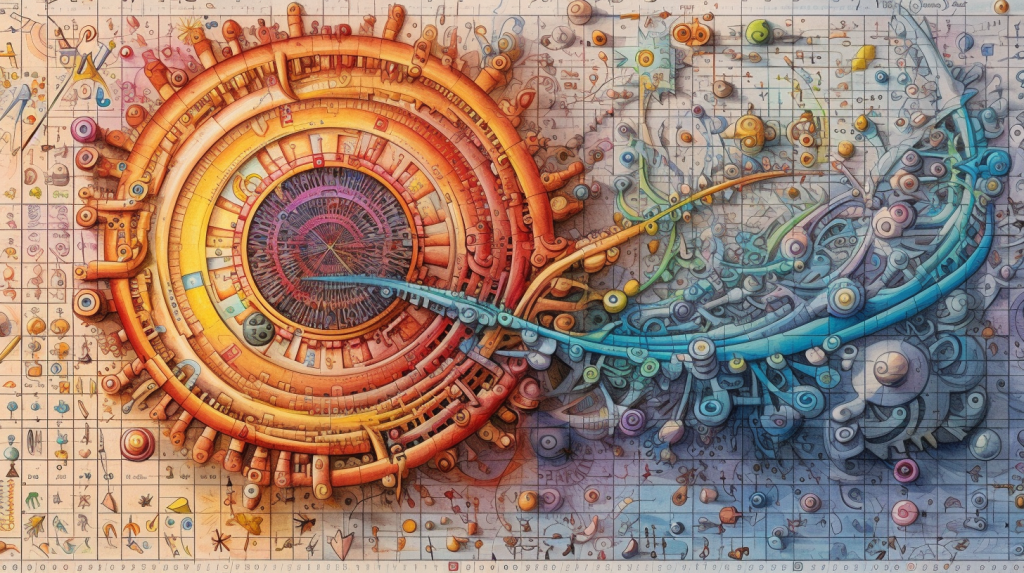
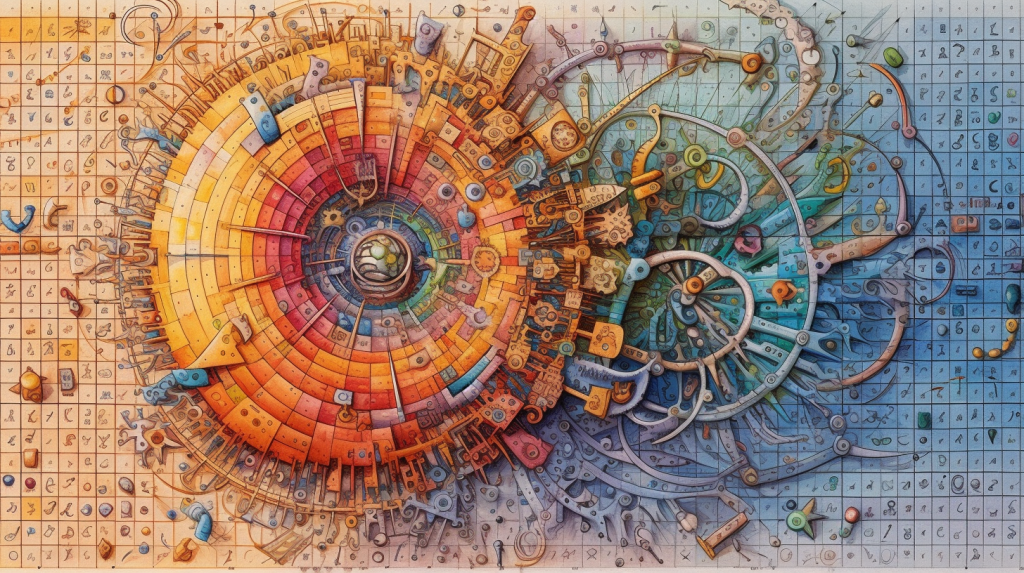
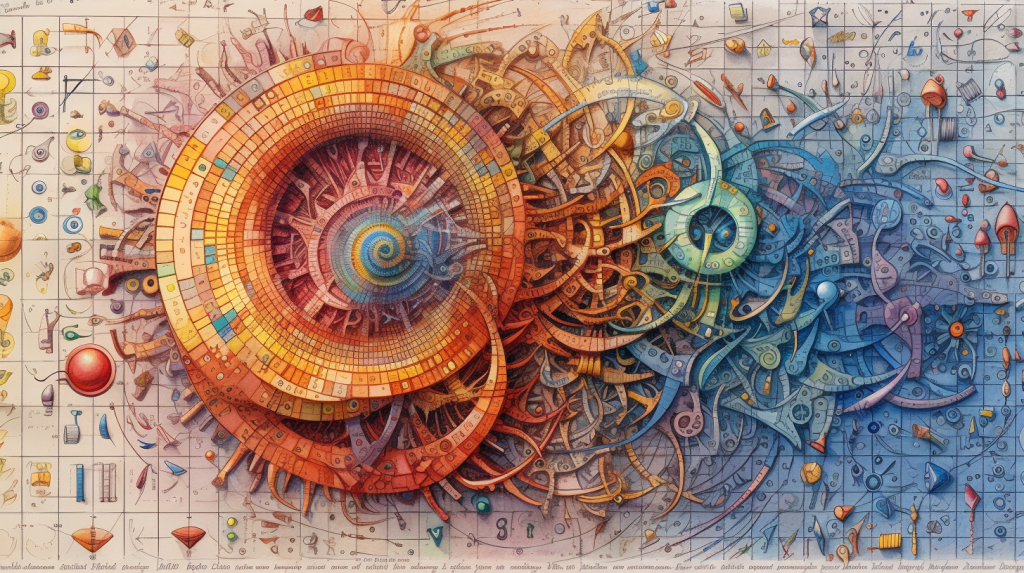
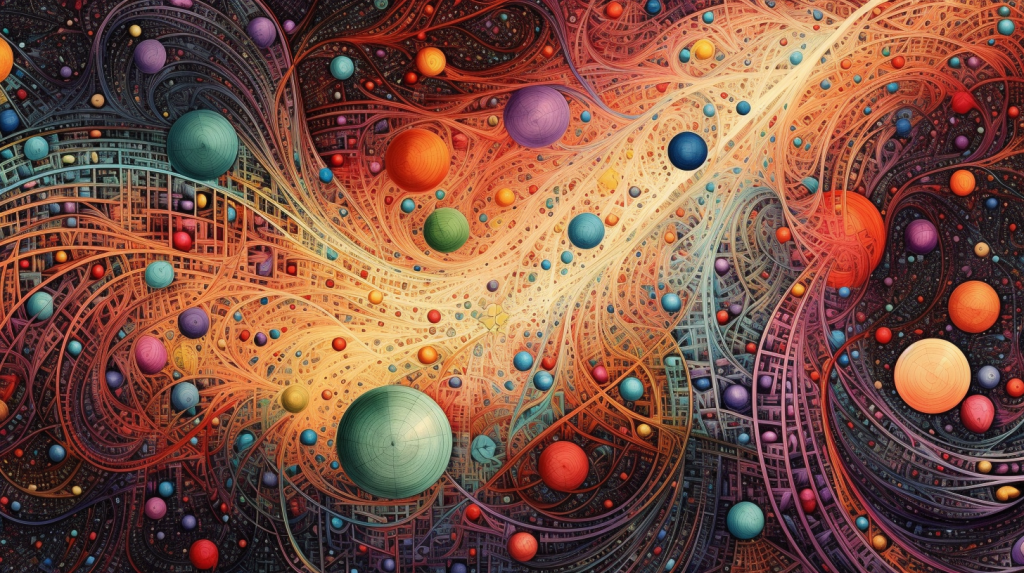
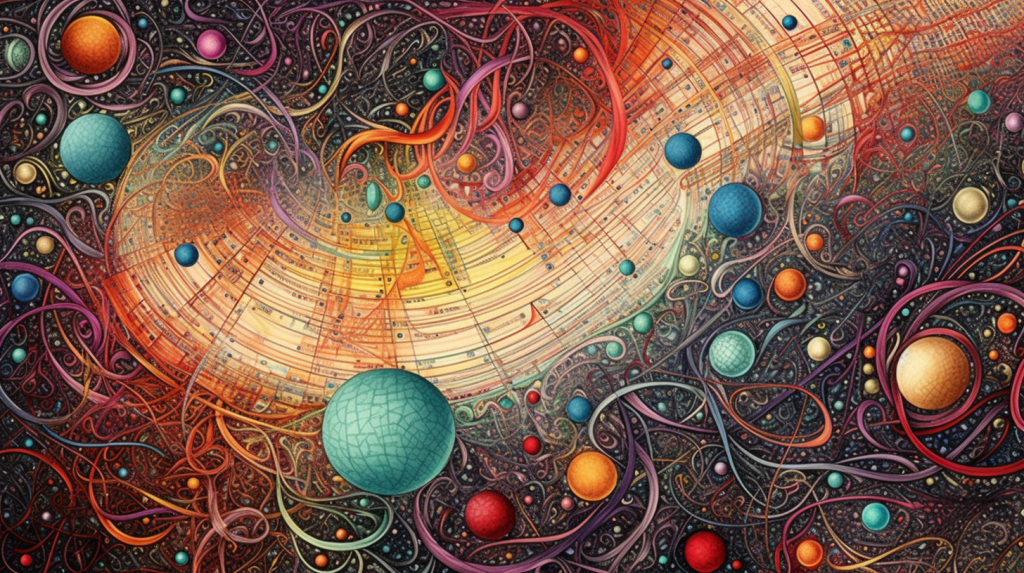
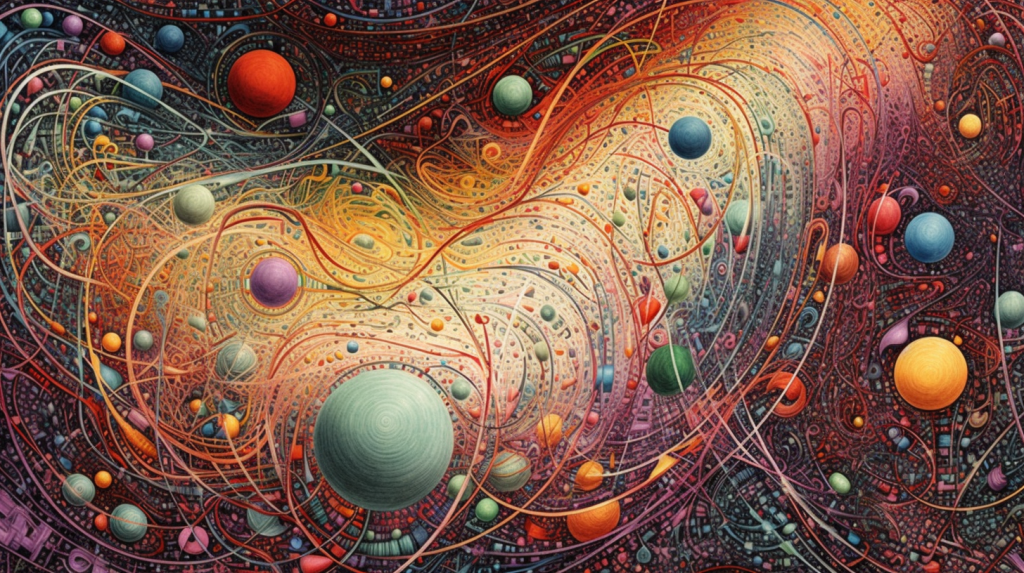
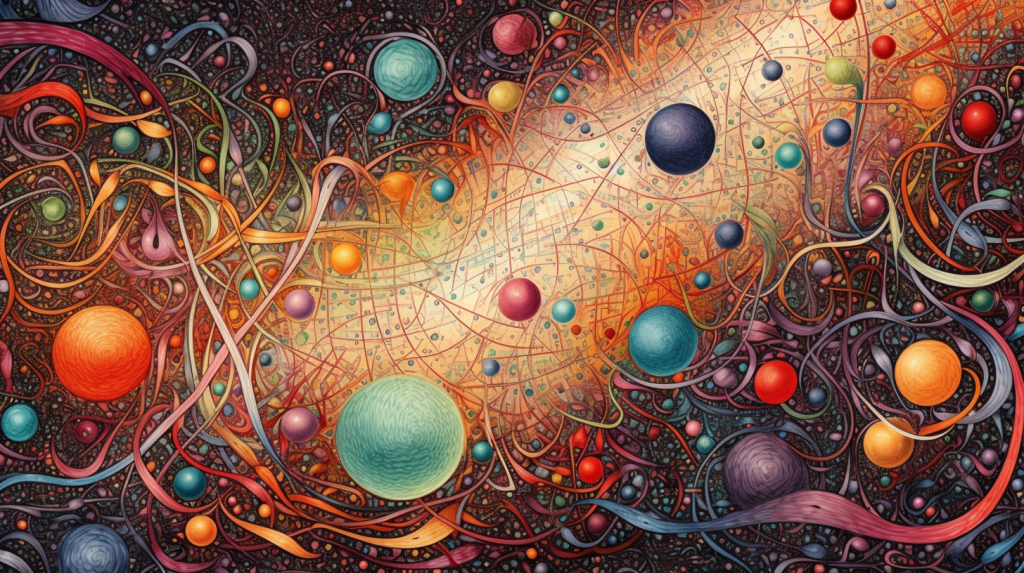
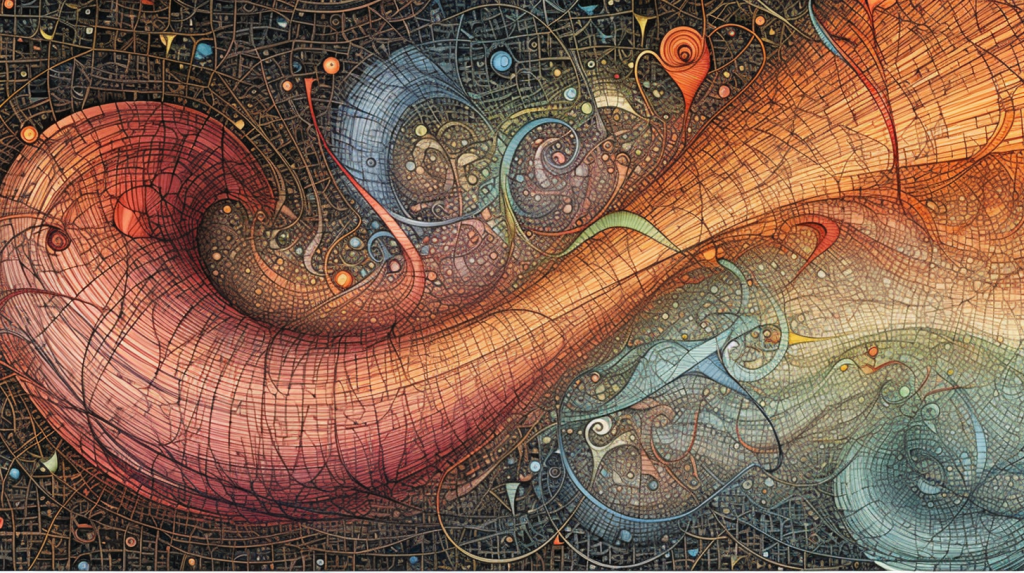
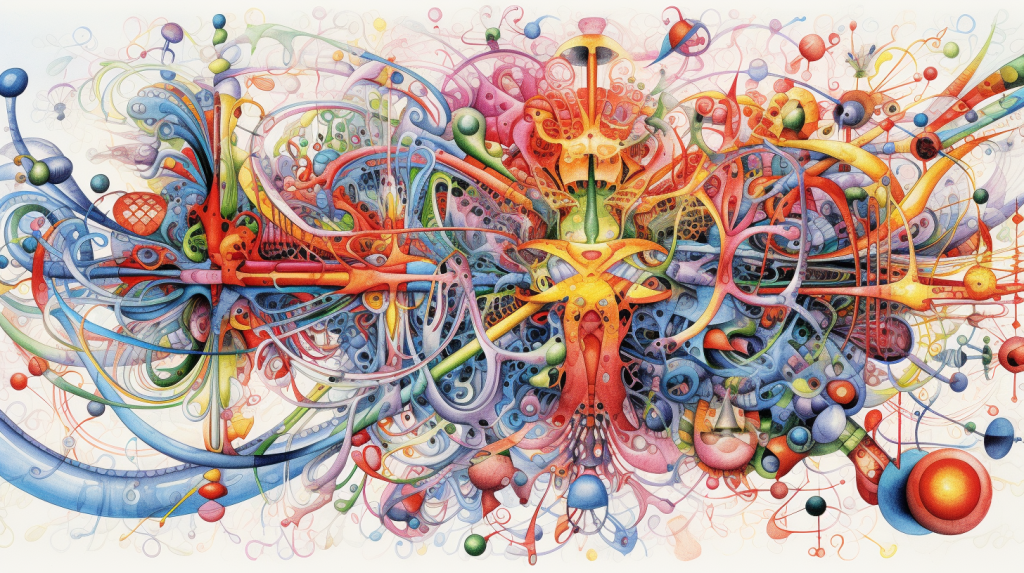
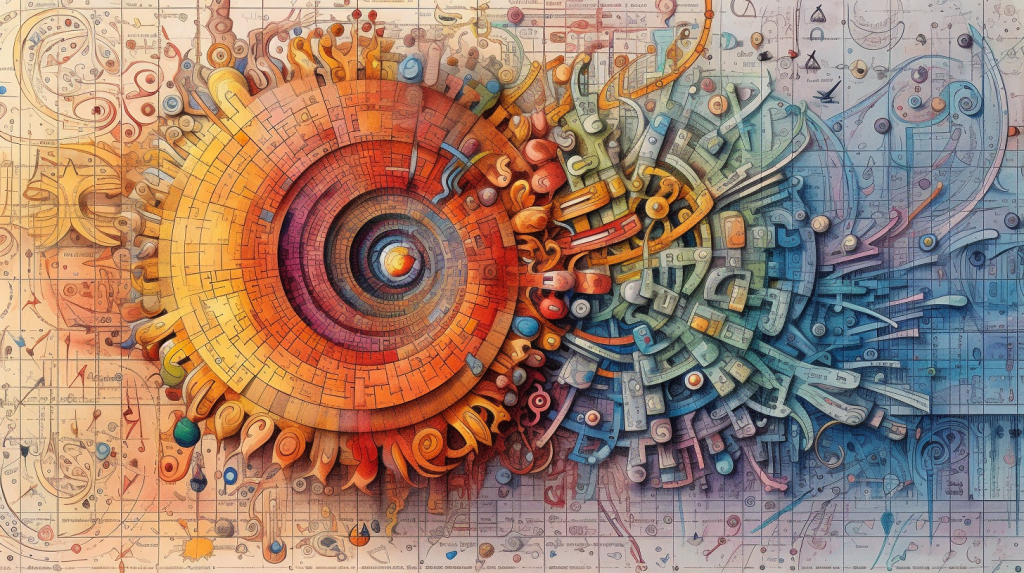
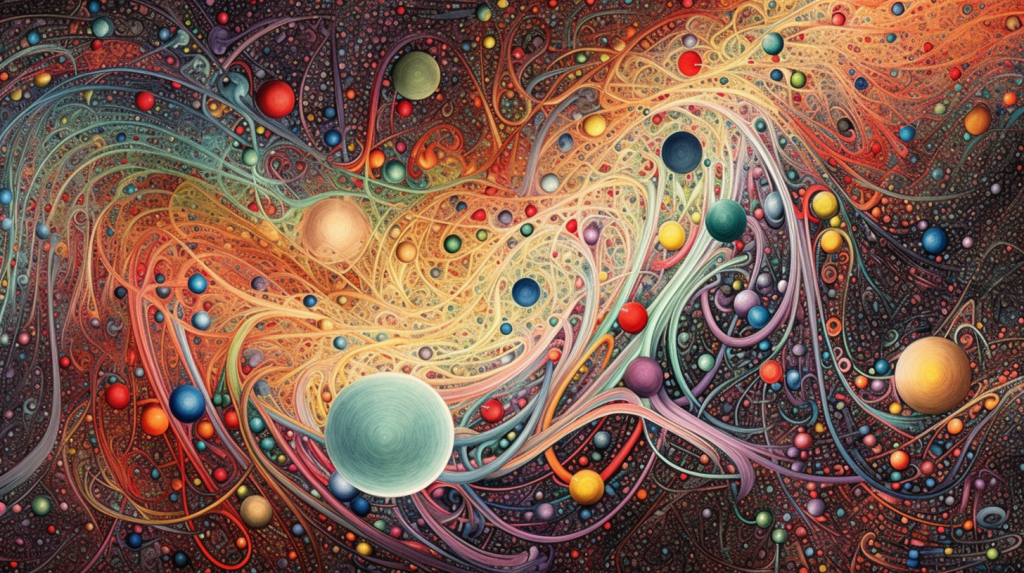
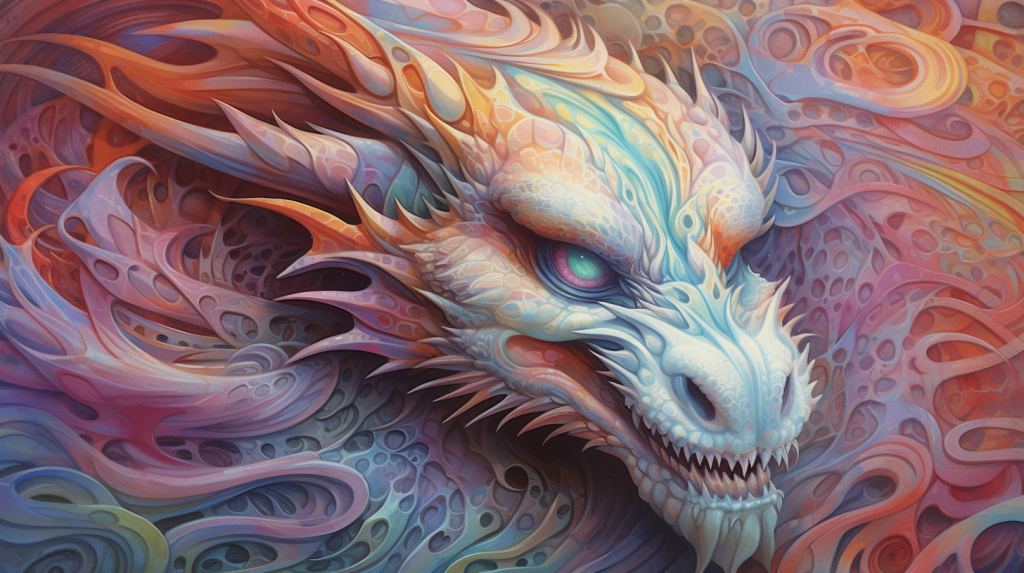
/imagine prompt: A highly detailed colorful drawing. Using a parametric equation to create captivating art. x(t) = A * cos(a * t) * cos(t) + A * sin(b * t) * cos(t) and y(t) = A * cos(a * t) * sin(t) + A * sin(b * t) * sin(t), Where ‘A’, ‘a’, and ‘b’ are constants, and ‘t’ ranges from 0 to 2π. –ar 16:9
Or you can use a simpler prompt with another object:
/imagine prompt: a highly detailed airbrush painting, using a parametric equation to create captivating art, a fractal, a captivating abstract design with a dragon head in the middle –ar 16:9
The book delves into AI-driven artwork using powerful tools like Midjourney and DALL-E, providing readers with a comprehensive understanding of how prompts can create visually stunning and diverse content. Ashley meticulously discusses various artistic genres and styles, including illustrations, portraits, landscapes, sketches, infographics, industrial and architectural design, 3D modeling, science fiction, and fantasy.
One of the most commendable aspects of this book is its well-structured format, which makes it easy for readers to locate their preferred genre or style quickly. Ashley provides a detailed step-by-step guide for creating the perfect prompts, accompanied by examples and explanations that are easy to follow, even for those who are new to AI-generated art.
The author emphasizes the importance of mastering the art of prompt creation, comparing it to the art of conversation. This analogy is particularly apt, as the effectiveness of the AI-generated artwork is directly linked to the clarity and precision of the prompts given. By mastering this skill, readers can expect outstanding results from AI-driven tools like Midjourney and DALL-E.
Another key strength of the book is its focus on saving time and providing best practices for artists. As creating AI-generated artwork can be time-consuming, Ashley shares tested prompts that can help readers get started quickly. This practical approach is beneficial not only for beginners but also for experienced artists who are keen on exploring new techniques and ideas.
The book also includes an impressive gallery of over 200 illustrations made with prompts, which provides inspiration and guidance for readers. This gallery showcases the immense potential of AI-generated art, encouraging readers to experiment and push the boundaries of their creativity.
Despite its many strengths, the book has a few shortcomings. For instance, it lacks a comprehensive analysis of the ethical implications surrounding the use of AI in digital art. Additionally, some readers might find the content too focused on specific AI tools like Midjourney and DALL-E, limiting its applicability to other emerging AI-driven art platforms.
Nonetheless, “The Art of Prompts for Artificial Intelligence” is a valuable resource for anyone interested in the intersection of digital art and AI. The book provides a solid foundation for understanding the principles behind AI-generated art and practical guidance for creating unique and captivating artwork using prompts.
In conclusion, Kevin Ashley’s “The Art of Prompts for Artificial Intelligence” is an enlightening and practical guide for anyone looking to delve into the world of AI-driven digital art. Its well-structured format, focus on best practices, and extensive gallery make it a must-read for beginners and experienced artists seeking to expand their skills and explore new creative avenues. While it may not cover every aspect of AI-generated art, this book is valuable to the growing body of literature on the subject. It is sure to inspire and educate its readers.
Are you staring at a blank screen, wondering what to post on your social media accounts? Trust me; I’ve been there too!
Well, worry no more because I have a fantastic solution for you: Midjourney prompts! They’re just the thing to boost your social media game to new heights.
So, what are these “Midjourney prompts” I’m talking about? They’re pre-written conversation starters that can help kick off a chat between you and your followers. Plus, they can encourage your lovely followers to interact with your accounts and share their thoughts and experiences.
Let’s explore how Midjourney prompts can give your social media content a total makeover!
Sparking conversations: Midjourney prompts are great at getting the conversation going, leading to increased engagement on your social media accounts. By asking questions or discussing relevant topics, you’re giving your followers a reason to engage with your posts. And who doesn’t love a good chat, right?
Increasing your reach: When your followers engage with your posts, your reach increases, meaning more people see your awesome content. As a result, your following grows, and you’ll be able to connect with even more lovely people on social media.
Improving your content: Using Midjourney prompts will add some much-needed variety to your social media content. This diversity can help keep your followers engaged and curious about what you’ll post next. Variety is the spice of life, after all!
Saving you precious time: Let’s face it, coming up with new and engaging content for your social media accounts can be super time-consuming. But Midjourney prompts are pre-written, so you must copy and paste them into your post! This saves you time and lets you focus on other essential aspects of your business.
So there you have it, my friends! Give Midjourney prompts a try, and watch your social media content flourish like never before.
I’m sure you and your followers will love the new conversations and interactions these prompts bring.
8 Main points about Midjourney:
Midjourney is an AI image generator that offers a unique and gothic artistic style to its outputs.
It aims to provide a more dream-like and fantasy-themed approach to image generation, particularly appealing to those working in science fiction literature or artwork.
Users input worded prompts to generate images that match their descriptions, and Midjourney returns multiple attempts at creating the requested image.
The latest version of Midjourney, version five, offers higher image quality, more diverse outputs, wider stylistic range, support for seamless textures, wider aspect ratios, better image promoting, and improved dynamic range.
Access to Midjourney requires signing up through the company’s website and using the Discord platform. Users receive 25 free queries and can choose to continue using the software through paid memberships.
The training methods and background of Midjourney are not extensively disclosed, but it likely uses similar techniques to other AI image generators like Dall-E 2 and Stable Diffusion.
Midjourney has faced criticism regarding copyright infringement since it trained the model on millions of images without obtaining consent from the original creators. The company is working on addressing these concerns and offering artists the ability to opt out of their images being used.
Midjourney is launching a monthly magazine featuring curated artwork and interviews with community members, further highlighting the creativity and imagination of its users.
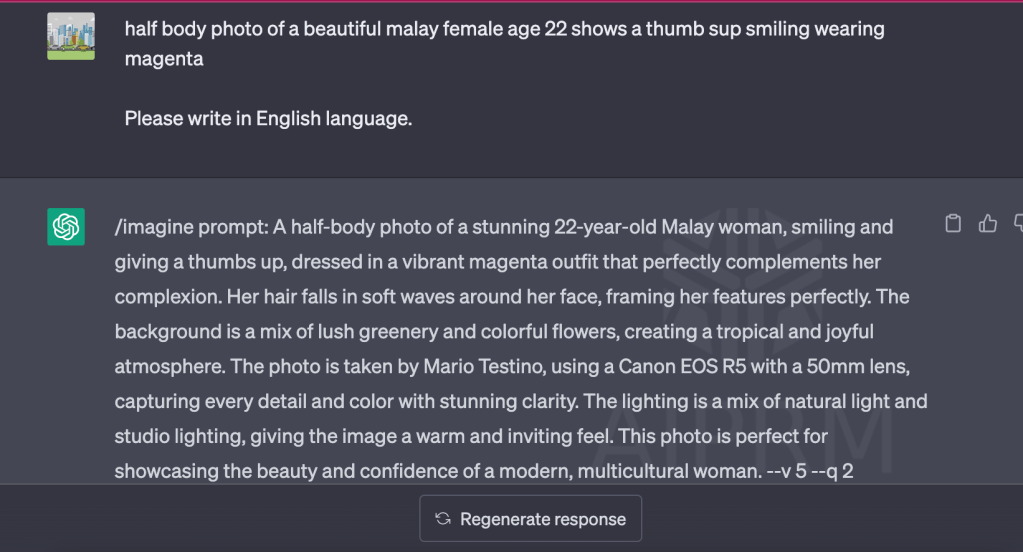
Once you have installed AIPRM – ChatGPT chrome extension and login to your ChatGPT account, you can see many examples of Free ChatGPT Prompts. The Verified AIPRM Prompts need to upgrade the subscription further.
You can search for Midjourney Prompts. You can try many prompts and select the ones with high user votes.
Using a simple description of the image you want to create will suggest several prompts for you to try. You can modify the selected prompt before you insert it into Midjourney.
Copy the total prompt which begins with “/imagine prompt: ………… “ and insert it into the command line in Midjourney.
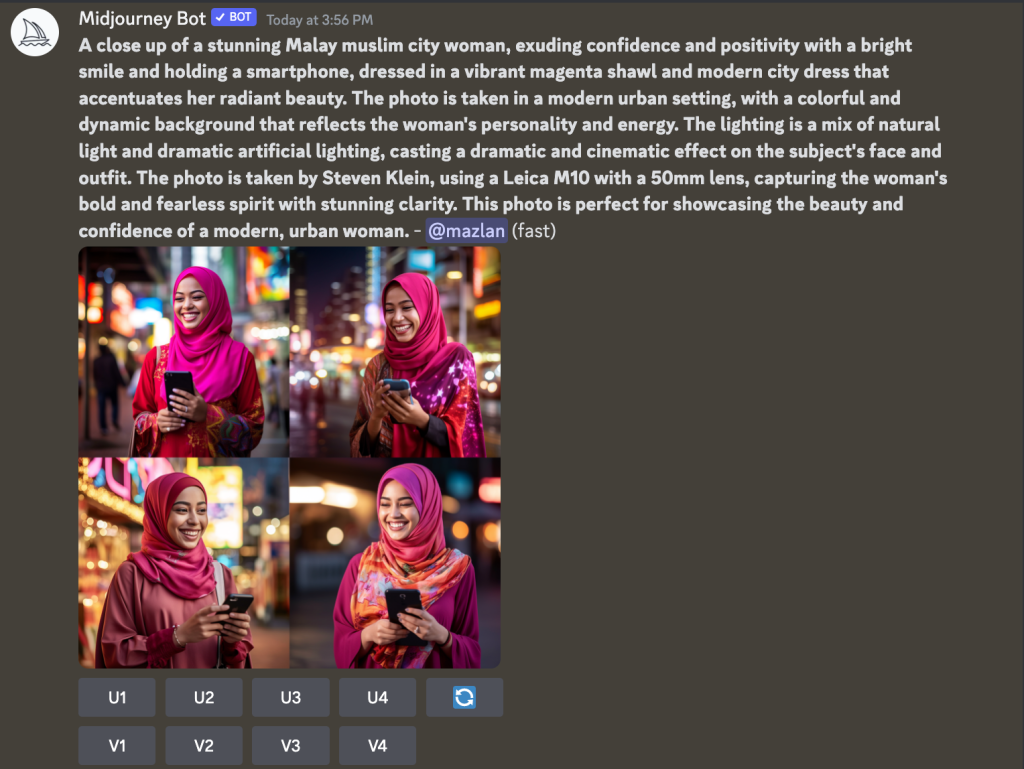
You can choose which image to Upscale “U” or have more variant “V.”
For example, I can choose “U4” to upscale and might need to enhance it further.
The first thing you need to do is to click the image and open it in the browser. Copy the URL of the image, insert it again into the prompt, and give a few more descriptions.
That’s it!
How to Change the Default Aspect Ratio
By default, the aspect ratio of Midjourney images is square. To change, add “- -ar 2:3” or “- -ar 3:2” to the prompt.
Visual content is integral to digital marketing, advertising, and social media presence. It’s no secret that using high-quality images can significantly enhance the effectiveness of your content.
However, finding the right photos can be challenging, especially when you need specific images for your posters or social media platforms.
After trying various options, such as free stock photos and event images, I stumbled upon a fantastic combination that changed the game: Midjourney, an image generation program, and ChatGPT, a powerful AI language model.
Here’s my experience with these tools and some examples of the fantastic images they helped me create.
The Struggle for the Right Images
Finding the perfect photos for my marketing materials had been an uphill battle. I tried using free stock photos and images from events, but they didn’t quite capture the essence of what I wanted. I experimented with Bing Image Creator, but the results were disappointing, as it failed to generate realistic images of people in action.
Discovering Midjourney
My search for a better solution led me to Midjourney, an image generation program that promised to create unique, realistic images based on user input. Intrigued, I decided to give it a try. After subscribing to the service, I began exploring its features and was immediately impressed by its capabilities.
Leveraging ChatGPT for Better Prompts
While Midjourney had immense potential, providing the program with accurate and descriptive prompts to generate the desired images was essential. That’s where ChatGPT came into play. Using this AI language model, I could generate clear and concise prompts to guide Midjourney in creating visually striking images that matched my requirements.
The Perfect Collaboration
This powerful combination of Midjourney and ChatGPT revolutionized my content creation process. I could now generate images that captured the right emotions and looked realistic and engaging. My posters and social media content finally had the visual impact I had always wanted.
Examples of Midjourney Images
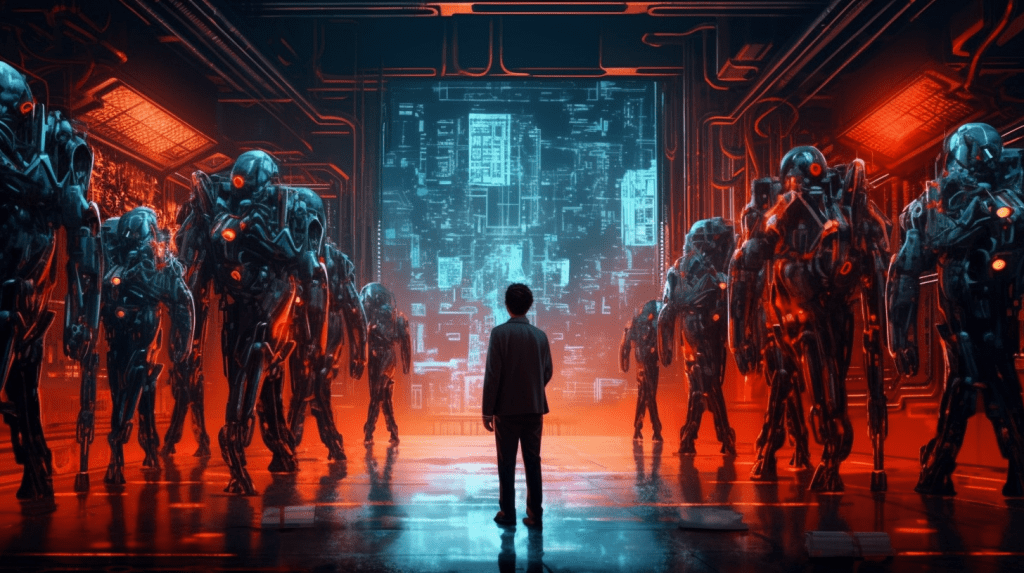
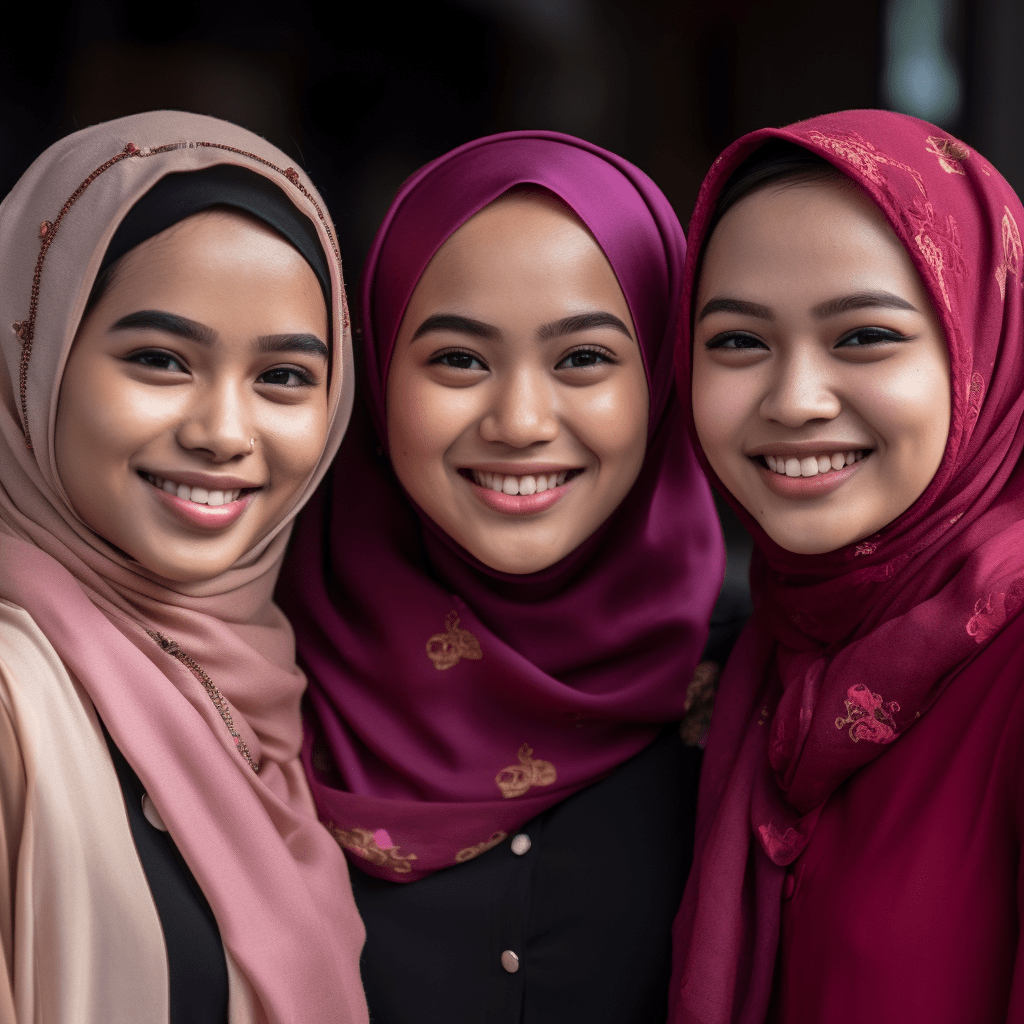
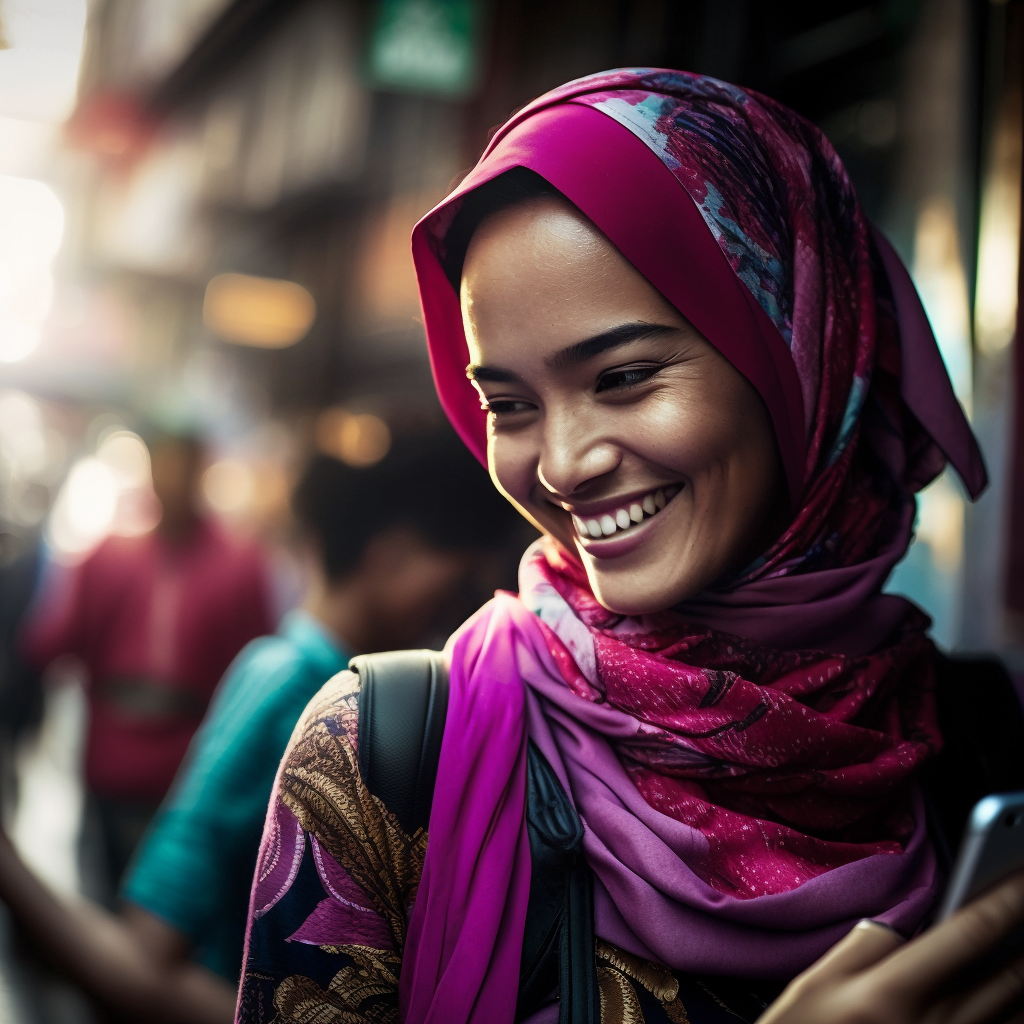
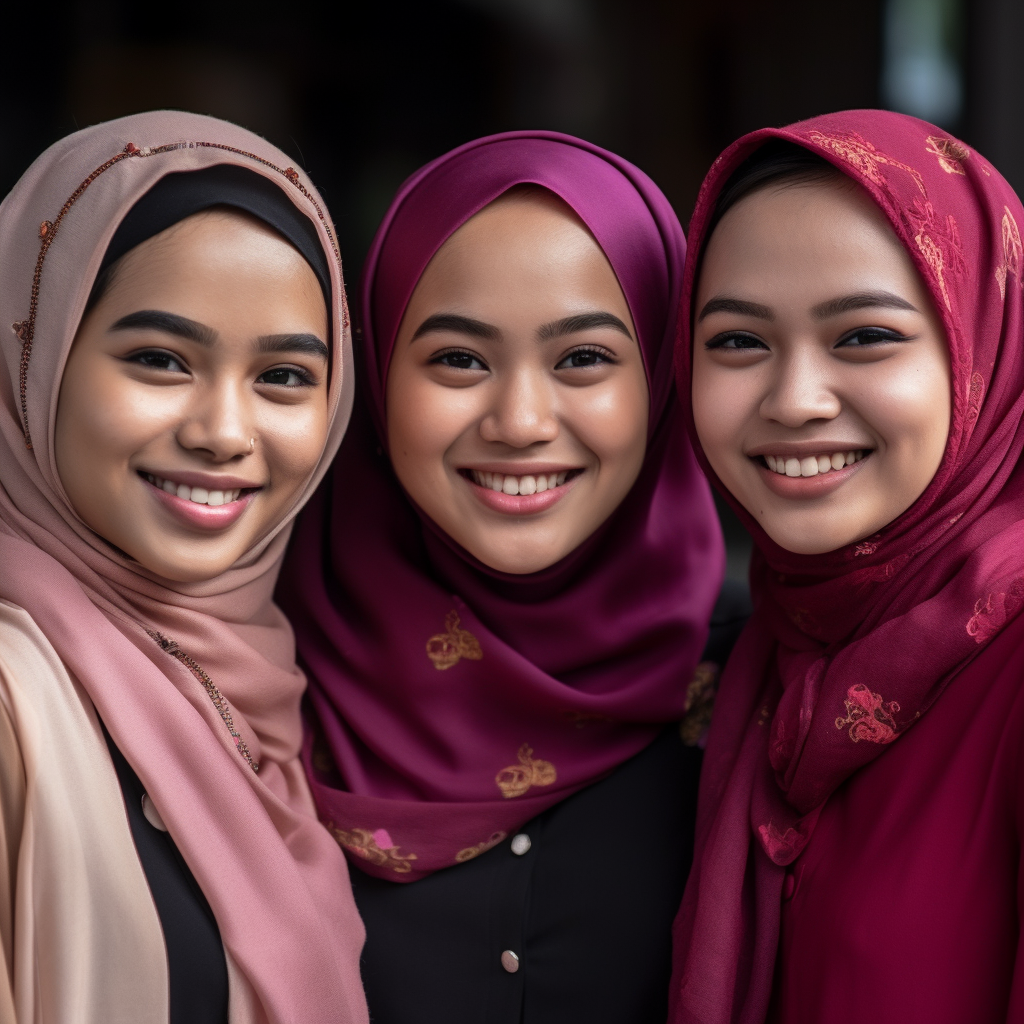
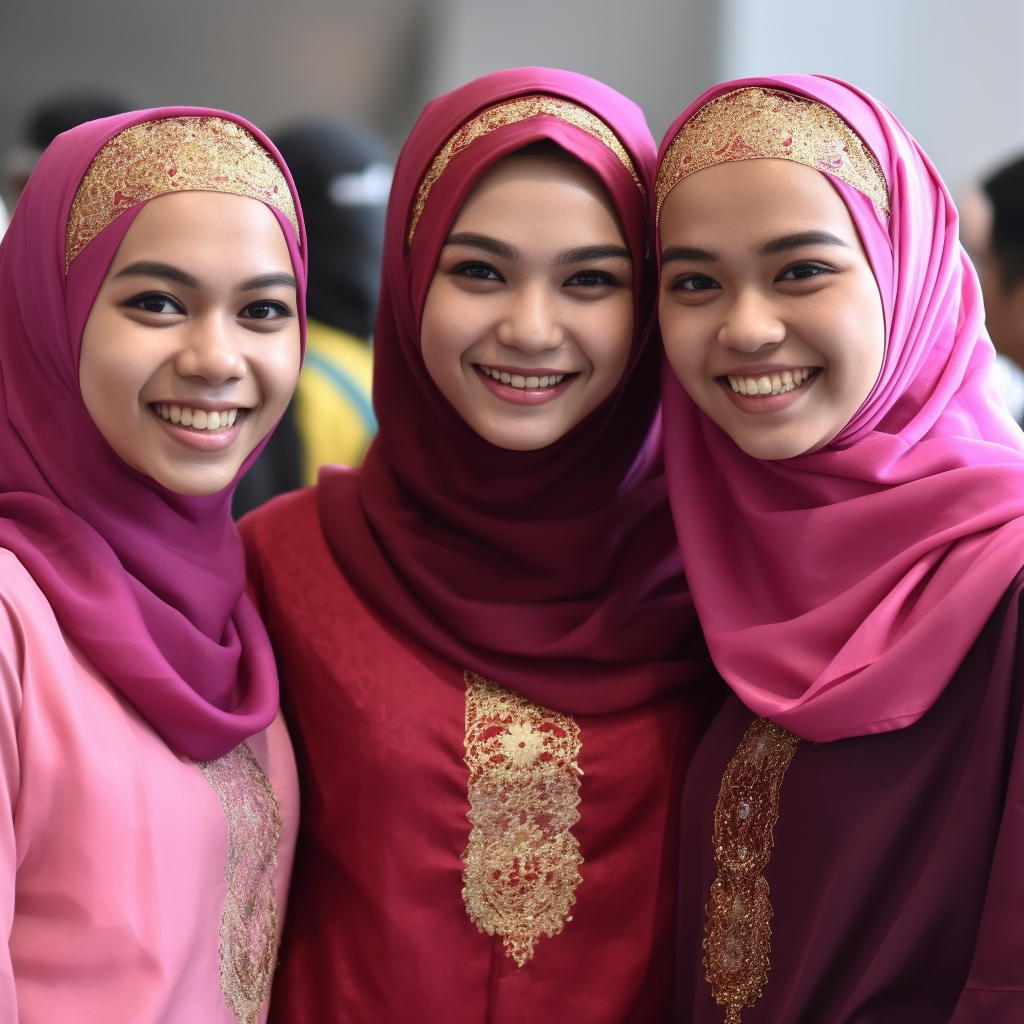
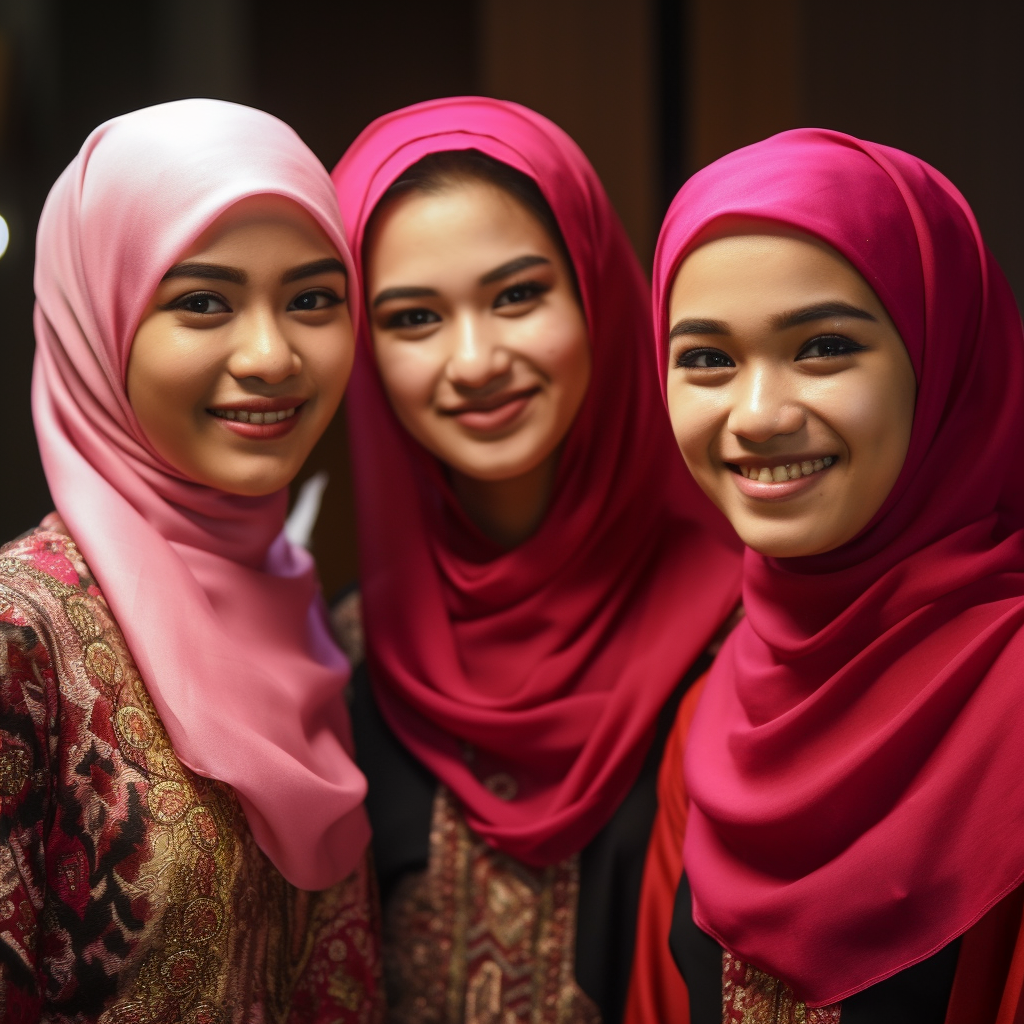
Here are some samples of the images I created using Midjourney with the help of ChatGPT-generated prompts:
AI created photos
Conclusion
Midjourney and ChatGPT have genuinely transformed the way I approach visual content creation. By leveraging the power of these two tools, I can now generate images that are not only visually stunning but also perfectly aligned with my content’s message. If you struggle to find the right images for your marketing materials, try this dynamic duo – the results may amaze you.
So, I felt like I’d hit the jackpot with this Midjourney and ChatGPT combo. I mean, who wouldn’t, right?
The more I worked with these two, the more I felt I’d discovered my digital dream team. It was like having my personal photographer and creative writer work together to make my visual content look like a million bucks.
Remember those days when we would spend hours searching for the perfect image, only to end up with something “good enough”? Yeah, those days are long gone, my friends. With Midjourney and ChatGPT, I can create exactly what I need whenever I need it: no more settling, no more frustrations.
The best part is I’m not the only one noticing the difference. My social media engagement has been through the roof. I’ve even had some folks ask me if I hired a professional photographer. Ha! Little do they know, I, Midjourney, and ChatGPT are working our magic.










 Dr. Mazlan Abbas