Let’s try something from the movies. I love the LOTR movies. I would like to choose Gandalf as the main character.
Tools to use:
AIPRM for ChatGPT
ChatGPT
Midjourney
Canva
/image prompt: Gandalf lost and worried in a dark alley of a futuristic city, with a fire dragon perched on top of a skyscraper in the background. / A close-up of Gandalf’s face, with the dragon partially visible in the background. / The alley is dimly lit by flickering neon lights, and the walls are covered in graffiti and posters. / The atmosphere is eerie and tense, with the sound of rats scurrying and distant sirens. / Photography (Portrait lens), using a full-frame DSLR camera with a high ISO setting to capture the shadows and highlights of the alleyway. –v 5.1 –ar 2:3
The book delves into AI-driven artwork using powerful tools like Midjourney and DALL-E, providing readers with a comprehensive understanding of how prompts can create visually stunning and diverse content. Ashley meticulously discusses various artistic genres and styles, including illustrations, portraits, landscapes, sketches, infographics, industrial and architectural design, 3D modeling, science fiction, and fantasy.
One of the most commendable aspects of this book is its well-structured format, which makes it easy for readers to locate their preferred genre or style quickly. Ashley provides a detailed step-by-step guide for creating the perfect prompts, accompanied by examples and explanations that are easy to follow, even for those who are new to AI-generated art.
The author emphasizes the importance of mastering the art of prompt creation, comparing it to the art of conversation. This analogy is particularly apt, as the effectiveness of the AI-generated artwork is directly linked to the clarity and precision of the prompts given. By mastering this skill, readers can expect outstanding results from AI-driven tools like Midjourney and DALL-E.
Another key strength of the book is its focus on saving time and providing best practices for artists. As creating AI-generated artwork can be time-consuming, Ashley shares tested prompts that can help readers get started quickly. This practical approach is beneficial not only for beginners but also for experienced artists who are keen on exploring new techniques and ideas.
The book also includes an impressive gallery of over 200 illustrations made with prompts, which provides inspiration and guidance for readers. This gallery showcases the immense potential of AI-generated art, encouraging readers to experiment and push the boundaries of their creativity.
Despite its many strengths, the book has a few shortcomings. For instance, it lacks a comprehensive analysis of the ethical implications surrounding the use of AI in digital art. Additionally, some readers might find the content too focused on specific AI tools like Midjourney and DALL-E, limiting its applicability to other emerging AI-driven art platforms.
Nonetheless, “The Art of Prompts for Artificial Intelligence” is a valuable resource for anyone interested in the intersection of digital art and AI. The book provides a solid foundation for understanding the principles behind AI-generated art and practical guidance for creating unique and captivating artwork using prompts.
In conclusion, Kevin Ashley’s “The Art of Prompts for Artificial Intelligence” is an enlightening and practical guide for anyone looking to delve into the world of AI-driven digital art. Its well-structured format, focus on best practices, and extensive gallery make it a must-read for beginners and experienced artists seeking to expand their skills and explore new creative avenues. While it may not cover every aspect of AI-generated art, this book is valuable to the growing body of literature on the subject. It is sure to inspire and educate its readers.
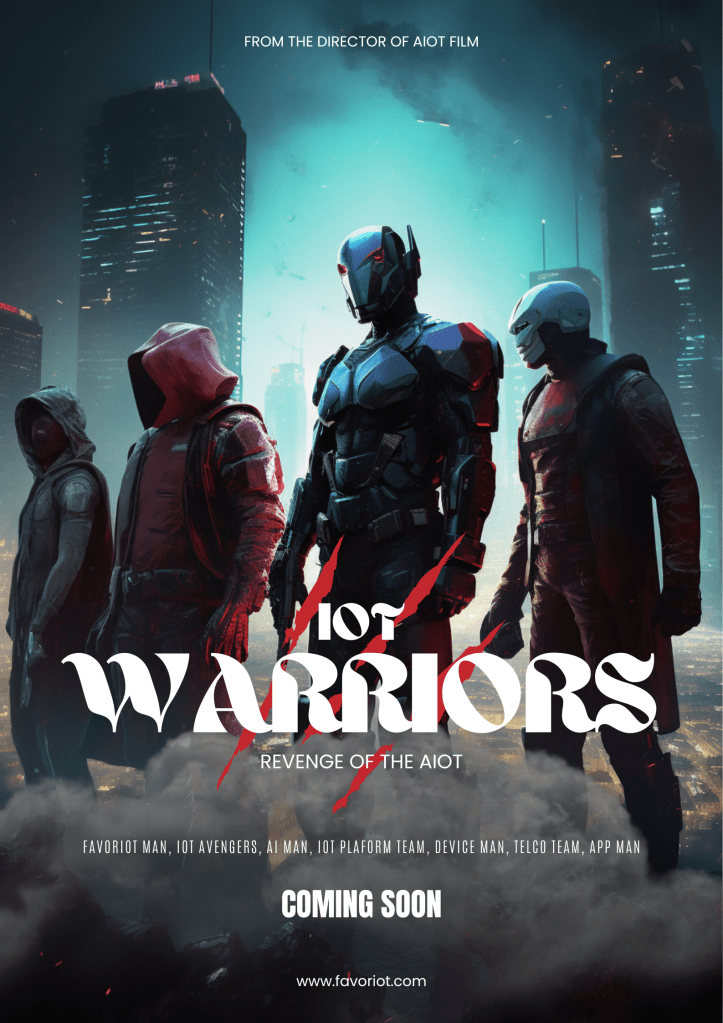
A group of male superheroes ready for action in a dark-lit future city. They stand tall and confident, each one exuding a sense of power and strength. The city around them is a mix of futuristic architecture and urban decay, with flickering neon lights adding to the ominous atmosphere. The superheroes’ suits are high-tech and advanced, with glowing energy sources that power their abilities. Each one has a unique skill that makes them an invaluable member of the team. Photographed by Patrick Demarchelier, using a Nikon Z7 with a telephoto lens, the lighting is a mix of natural light and subtle artificial lighting, creating a moody and atmospheric effect. –v 5 –q 2 –ar 2:3
Select one of the “Movie Posters” templates from Cana and edit accordingly.
(2) Movie Poster #2
/imagine prompt: A group of male superheroes ready for action in a dark-lit future city. They are in the middle of an intense battle, with their powers on full display. The city around them is a mix of futuristic and industrial, with towering buildings and factories casting an eerie glow. The superheroes’ suits are battle-worn and damaged, a testament to the ongoing fight against evil. Each one is using their unique abilities to overcome the obstacles in their path. Photographed by Steven Klein, using a Sony A9 with a fish-eye lens, the lighting is a mix of dramatic lighting and colored gels, creating a surreal and intense effect. 8K –v 5.1 –q 2 –ar 2:3
Select one of the “Movie Posters” templates from Cana and edit accordingly.
You often have to scan through many stock images to get suitable ones for your usage. It will take a lot of time to get the ones that fit your taste or your client’s requirements.
Let me share how you can generate images based on the poster title you want for your social media or blog posts.
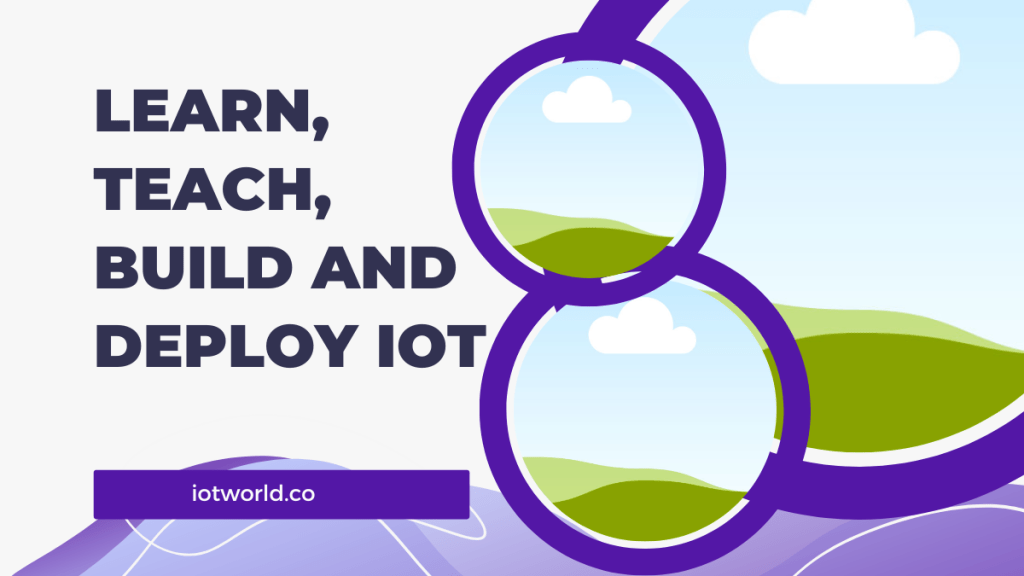
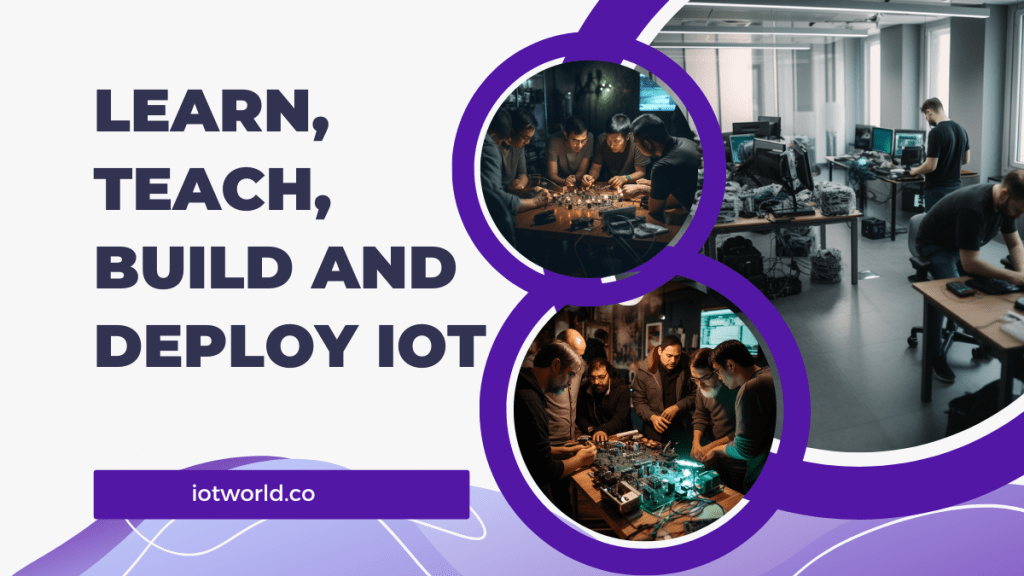
Title: Learn, Teach, Build, and Deploy IoT
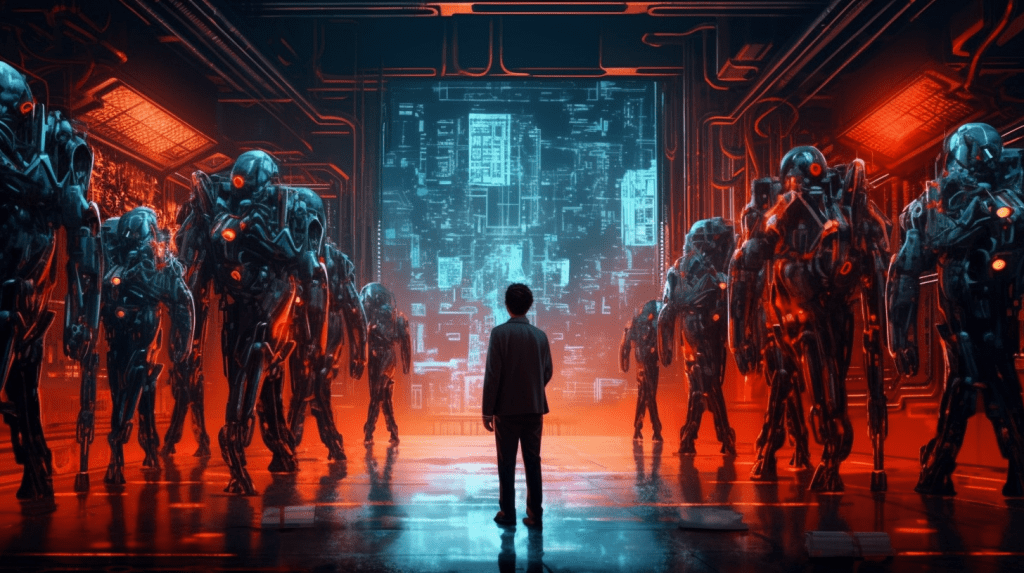
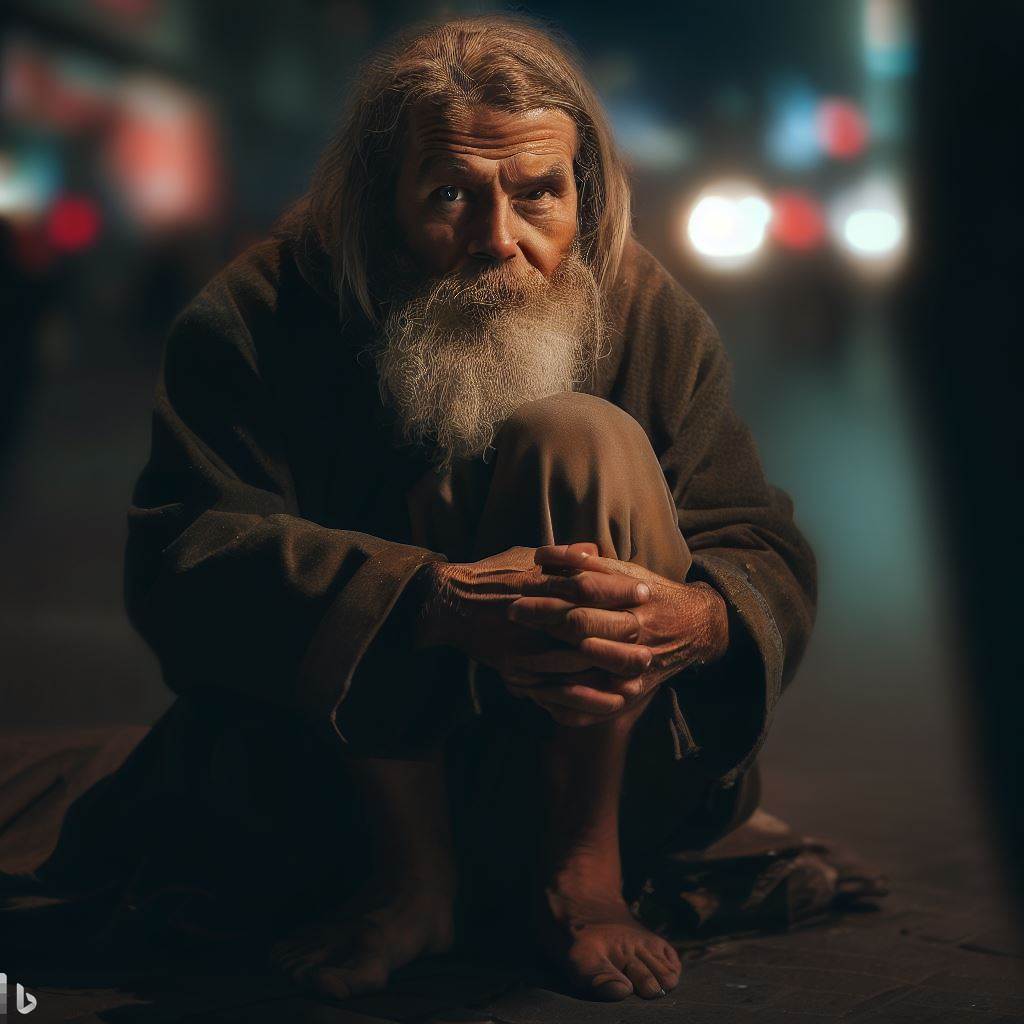
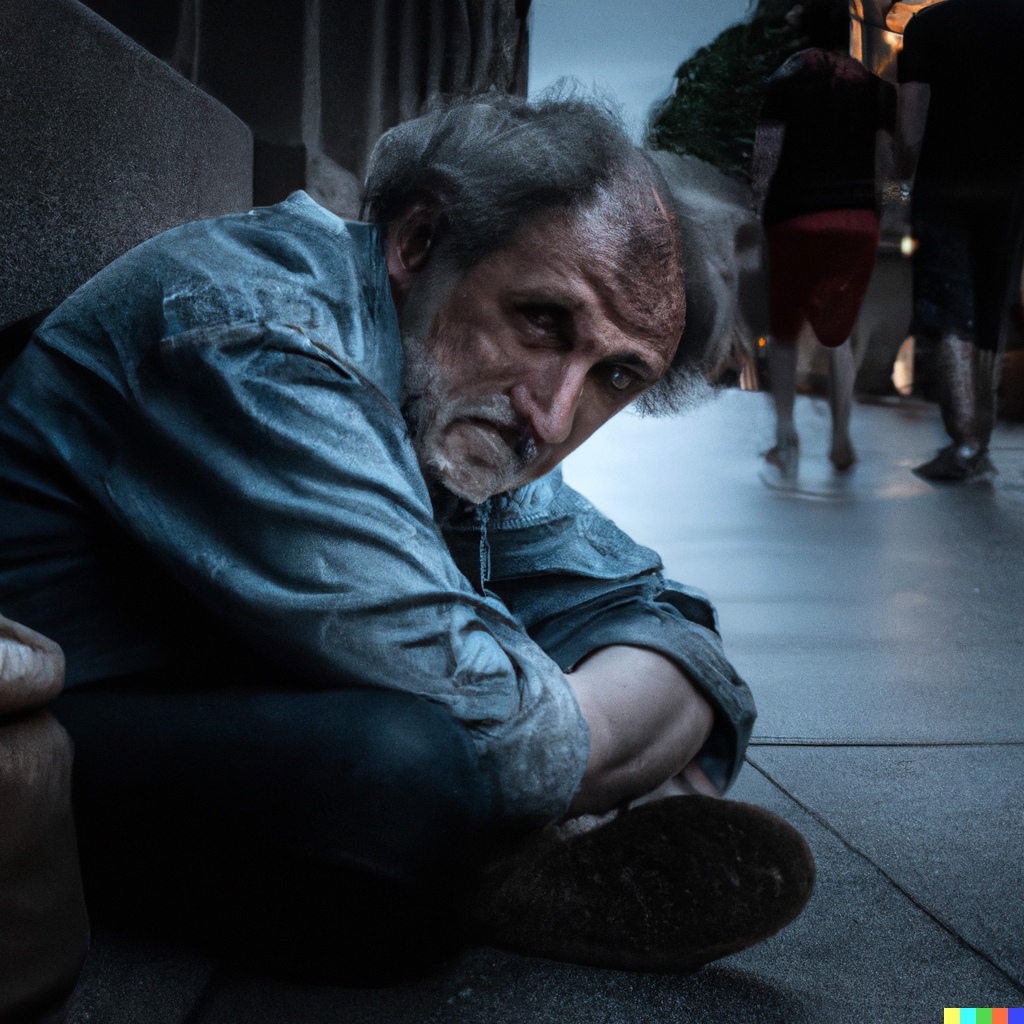
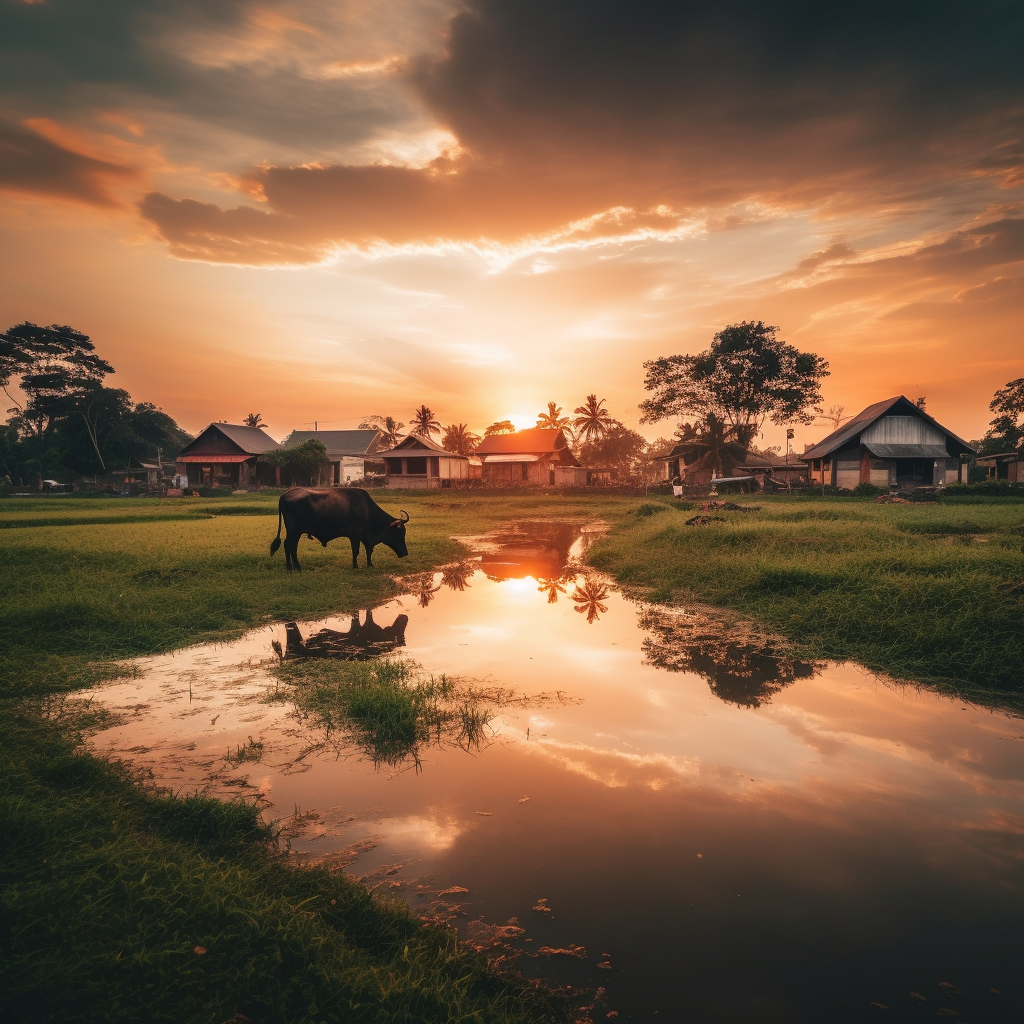
If I used simply the title “Learn, Build, Teach and Deploy IoT” for my prompt. Midjourney will give me this result:
Use AIPRM Help to Create Better Prompts
To create more creative prompts, I used AIPRM and selected one of the prompts that could give photorealistic images.
It suggested four prompts which I will share below:
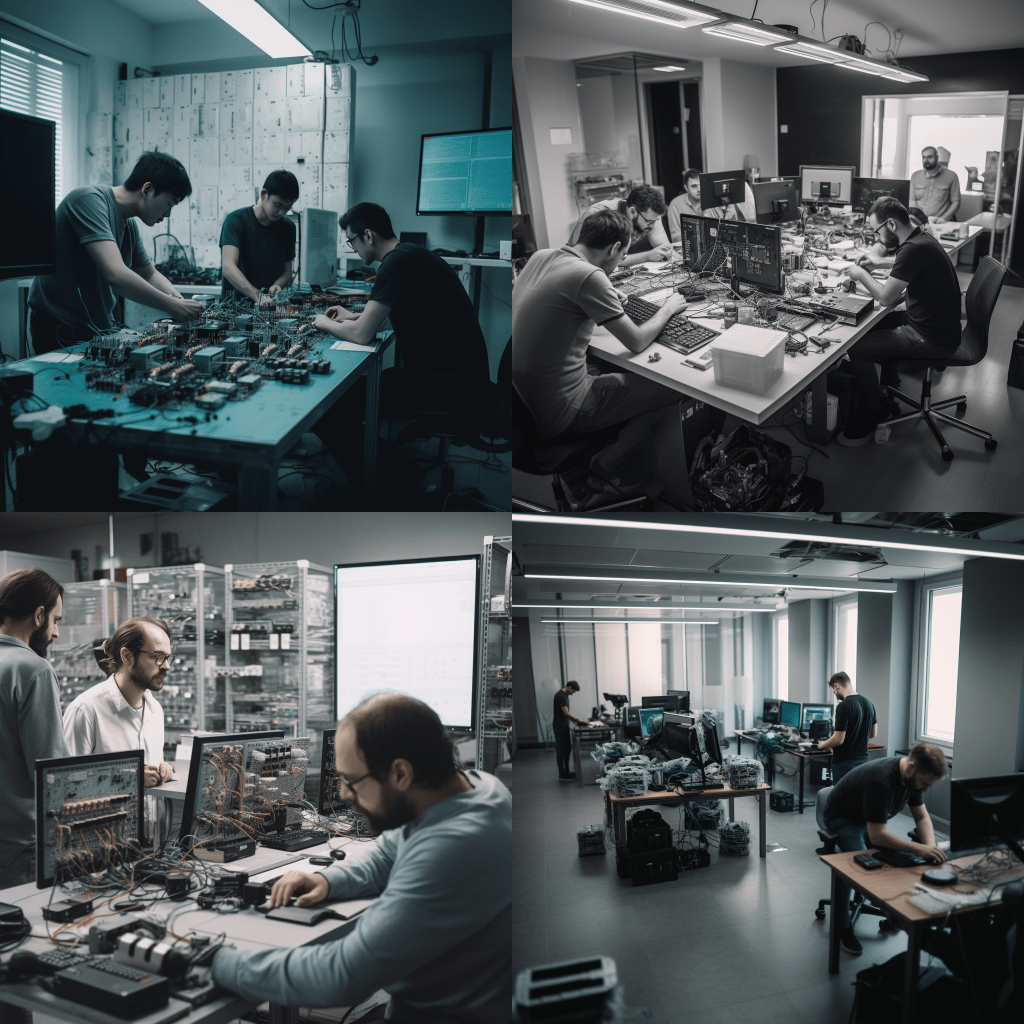
(1) Prompt #1: Focus on Learn IoT
/imagine prompt: A group of engineers are busy learning the intricacies of IoT technology. They are huddled around a table, poring over circuit diagrams and code snippets, discussing the finer points of connectivity and data transfer. The atmosphere in the room is electric, with the hum of machinery and the glow of computer screens adding to the sense of excitement. Despite the complexity of the task, there is a sense of focus and determination among the engineers, each one eager to contribute to the project. Photographed by Platon, using a Canon EOS R5 with a 35mm lens, the photography style is reportage, and the lighting is a mix of natural light and studio lighting, giving the image a crisp and polished look.
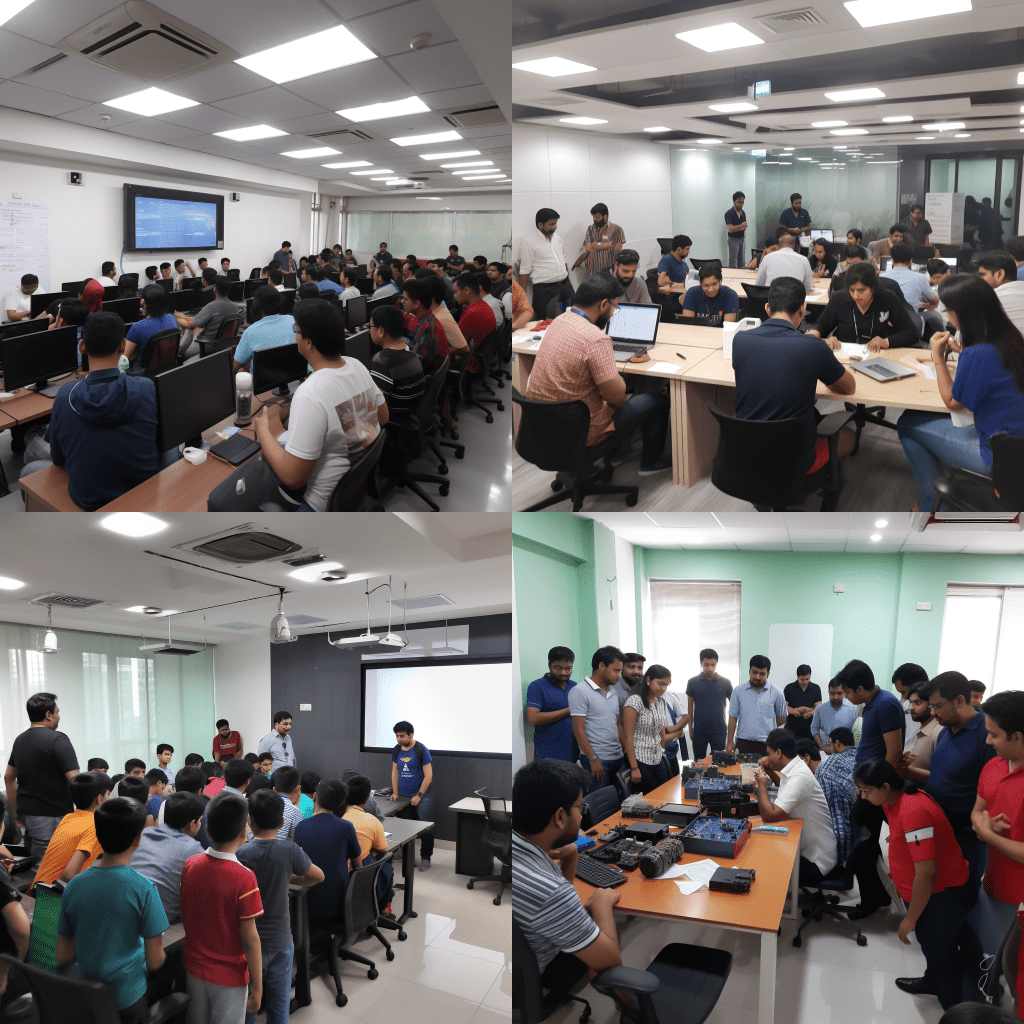
(2) Prompt #2: Focus on Teach IoT
/imagine prompt: A team of educators are busy teaching the fundamentals of IoT technology to a group of eager students. The room is filled with the sound of lectures and discussions, as the students absorb the knowledge being imparted to them. The atmosphere is vibrant and engaging, with the educators using interactive tools and real-world examples to make the concepts come alive. Despite the intensity of the learning, there is a sense of camaraderie in the room, as the students support and encourage each other. Photographed by Annie Leibovitz, using a Nikon Z7 with a 50mm lens, the photography style is fine art, and the lighting is a mix of natural light and cinematic lighting, creating a dynamic and engaging image
(3) Prompt #3: Focus on Build IoT
/imagine prompt: A team of developers are busy developing an IoT solution for a client. The room is filled with the sound of typing and clicking, as the developers work feverishly to write code and test prototypes. The atmosphere is intense and focused, with the developers collaborating and troubleshooting to overcome challenges. Despite the pressure, there is a sense of creativity and innovation in the room, as the developers push themselves to create something new and exciting. Photographed by Platon, using a Sony Alpha 7R IV with a 70-200mm lens, the photography style is documentary, and the lighting is a mix of studio lighting and directional lighting, giving the image a dramatic and dynamic feel
(4) Prompt #4: Focus on Deploy IoT
/imagine prompt: A team of engineers are busy deploying an IoT solution in a real-world setting. The room is filled with the sound of machinery and the whirring of devices, as the engineers work to integrate the solution into the client’s infrastructure. The atmosphere is serious and professional, with the engineers working diligently to ensure that the solution is stable and secure. Despite the pressure of the deployment, there is a sense of satisfaction and accomplishment in the air, as the engineers see their hard work come to fruition. Photographed by Tim Walker, using a Sony A9 with a 35mm lens, the photography style is portrait, and the lighting is a mix of natural light and diffused artificial light, giving the image a warm and professional feel.
Output
Using the Canva app, I will use and modify the template and insert the selected images.
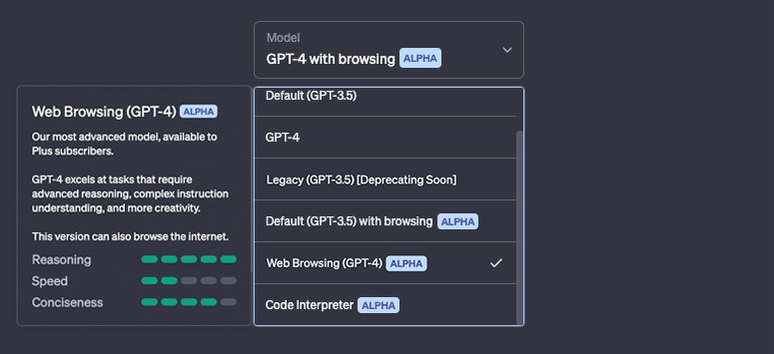
Once you have installed AIPRM – ChatGPT chrome extension and login to your ChatGPT account, you can see many examples of Free ChatGPT Prompts. The Verified AIPRM Prompts need to upgrade the subscription further.
You can search for Midjourney Prompts. You can try many prompts and select the ones with high user votes.
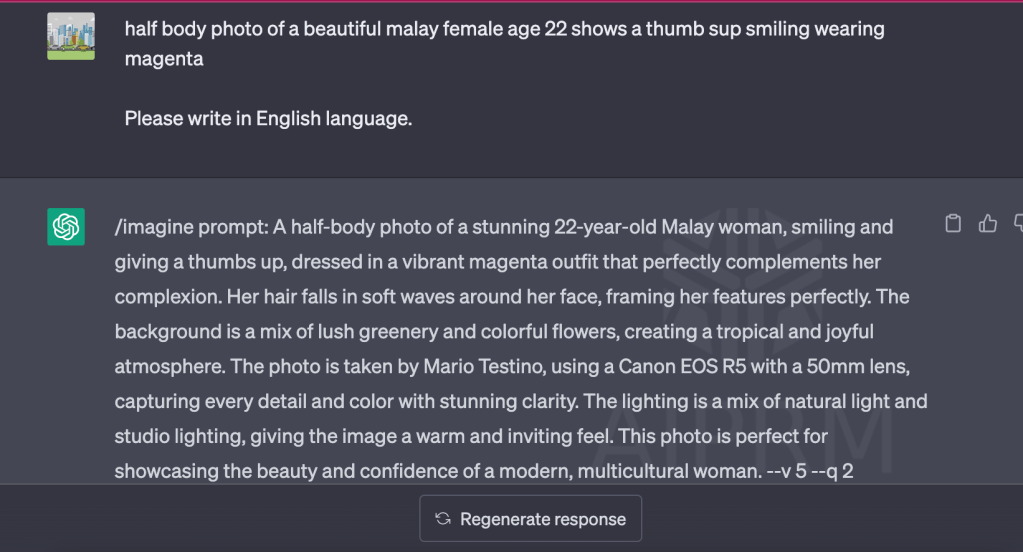
Using a simple description of the image you want to create will suggest several prompts for you to try. You can modify the selected prompt before you insert it into Midjourney.
Copy the total prompt which begins with “/imagine prompt: ………… “ and insert it into the command line in Midjourney.
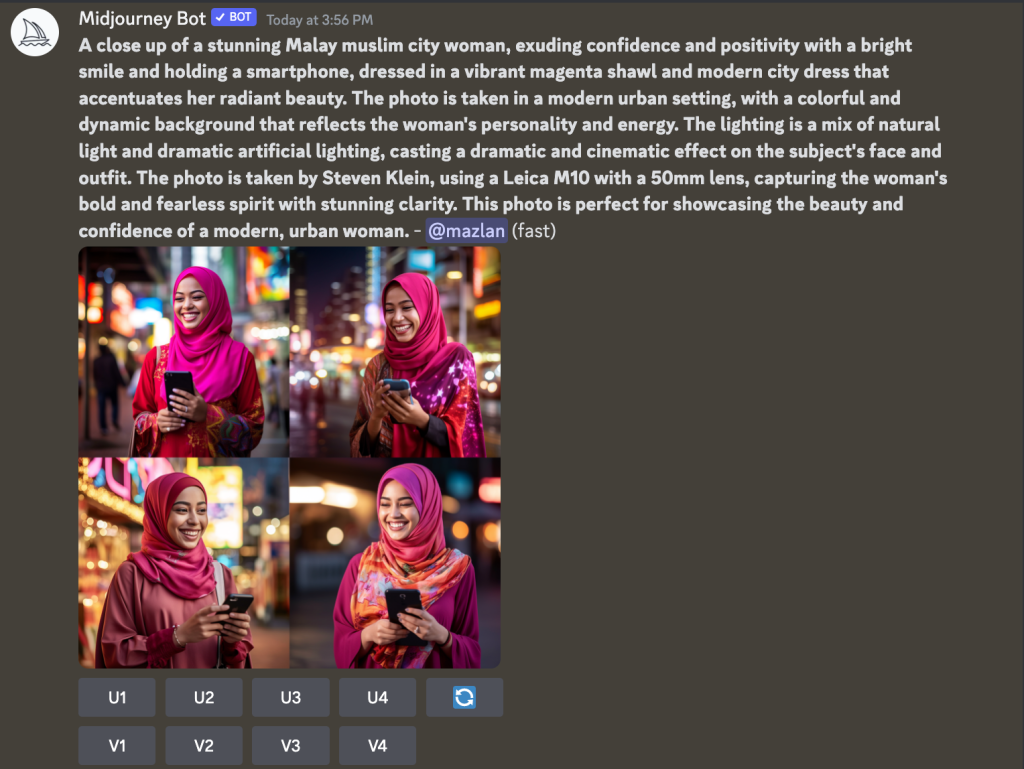
You can choose which image to Upscale “U” or have more variant “V.”
For example, I can choose “U4” to upscale and might need to enhance it further.
The first thing you need to do is to click the image and open it in the browser. Copy the URL of the image, insert it again into the prompt, and give a few more descriptions.
That’s it!
How to Change the Default Aspect Ratio
By default, the aspect ratio of Midjourney images is square. To change, add “- -ar 2:3” or “- -ar 3:2” to the prompt.













 Dr. Mazlan Abbas