
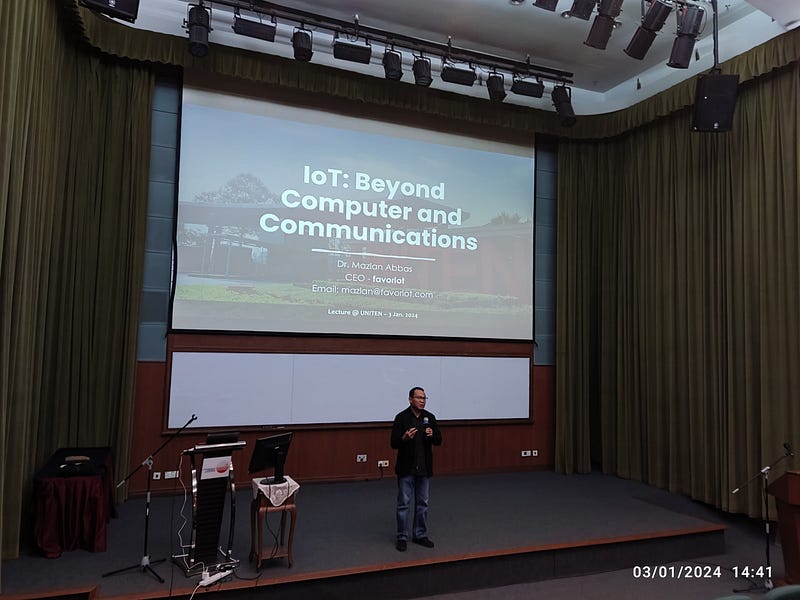
Imagine spending days meticulously crafting a presentation, only to face a presenter’s worst nightmare: corrupted slides.
This was the scenario I encountered before a recent lecture at a local University (UNITEN).
The Discovery
The chaos unfolded just as I was setting up for the big day.
It was the third day of 2024!
My laptop was hooked up, the projector was ready, and I was about to dazzle the audience with my well-prepared slides.
But fate had other plans.
To my horror, I discovered several of my slides were blank, devoid of the crucial information I had painstakingly compiled.
The timing couldn’t have been worse!
The Warning Ignored
Reflecting on this mishap, I recalled a critical moment from the previous day.
As I was packing up, my computer, running PowerPoint, flashed a warning about a problem with the file’s save process.
In my haste, I dismissed this. The issue stemmed from my decision to rename the slides folder.
Unaware of the impending disaster, I saved the file under a different name and thought nothing more of it.
My fault!
This is the lesson for being too complacent and overconfident!
I have previously made hundreds of presentations, and everything ran smoothly… until that day!
The Improvised Solution
There I was, in front of an eager audience, grappling with the reality of my situation.
Time was ticking, and I needed a quick fix. Scrambling through my digital archives, I found old slides from past presentations.
It wasn’t ideal, but it was a start.
The process was cumbersome, having to merge and present two separate files.
The seamless flow I had envisioned was now a patchwork of old and new, with some of the freshly prepared slides tragically lost to corruption.
The Silver Lining
Despite these unexpected events, the lecture was a partial disaster.
I navigated through the improvised presentation, covering as much material as possible.
Admittedly, key points needed to be addressed due to the missing slides.
However, the experience became an impromptu lesson in adaptability and problem-solving – valuable skills in any professional setting.
Reflections and Lessons Learned
As I reflect on this incident, backing up work and heeding software warnings stands out starkly.
In the world of digital presentations, such mishaps are not uncommon.
The key takeaway for me, and one I hope to impart to others, is the significance of being prepared for the unexpected. Always have a backup plan, and maybe a backup for the backup!
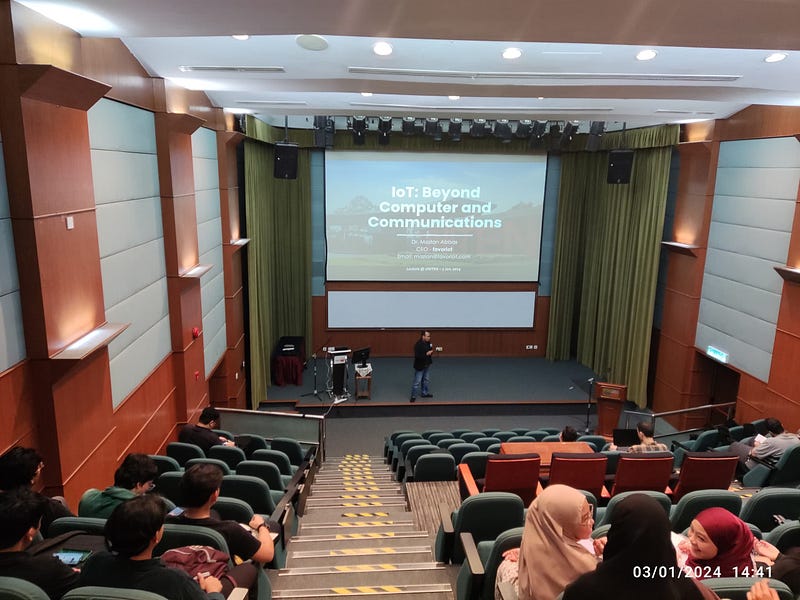
This experience, though fraught with challenges, was a memorable start to my lecturing endeavors in 2024.
It served as a reminder that the best lessons are sometimes learned outside the confines of meticulously prepared slides.
I must not be complacent and overconfident.
You can also check out my personal Blog here or the latest eBooks I have recently published — here.
Discover more from Dr. Mazlan Abbas
Subscribe to get the latest posts sent to your email.

 Dr. Mazlan Abbas